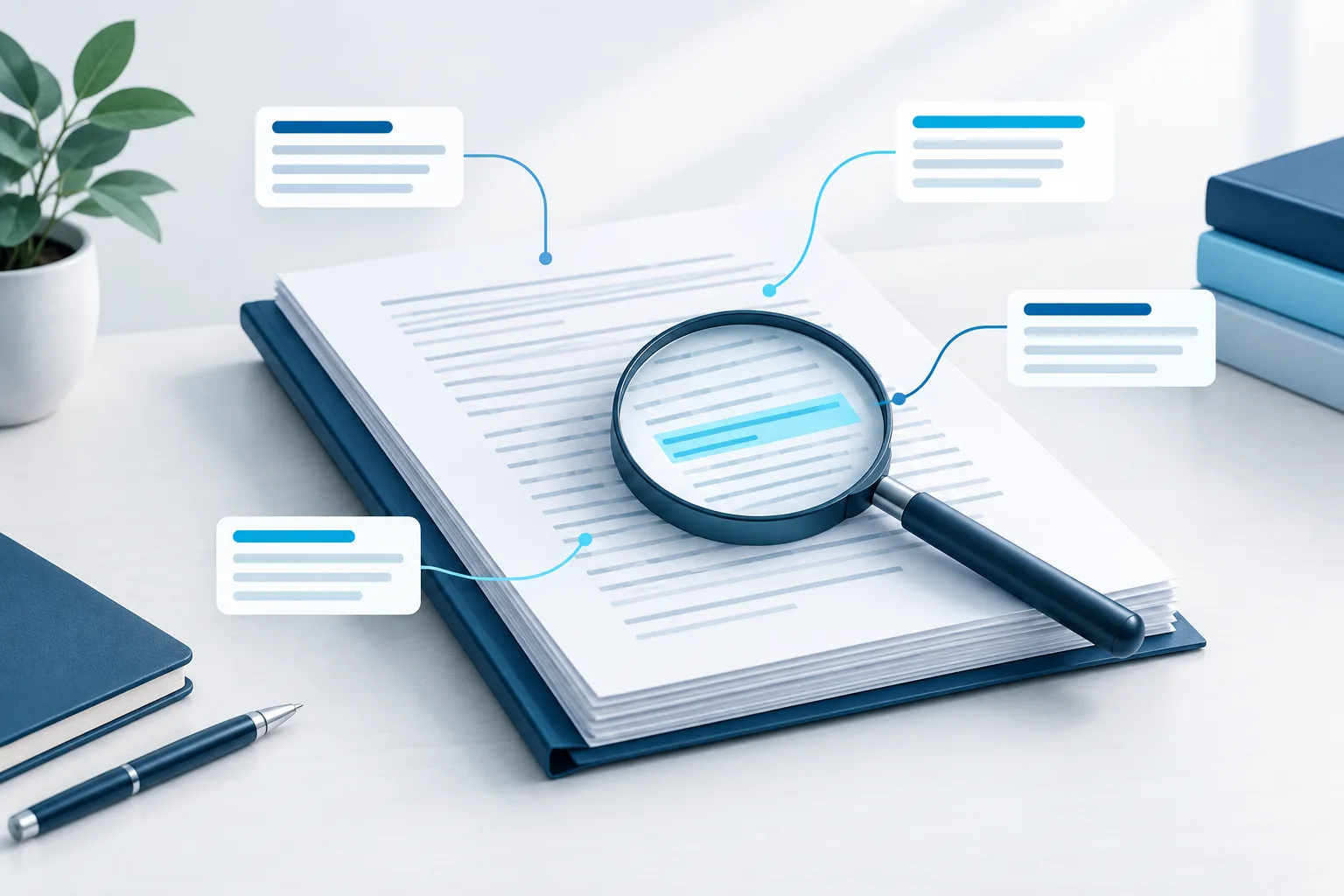
AI contract term extraction for law firms works best as a structured first pass: the tool identifies requested terms, points to the language it found, and leaves interpretation and decisions to an attorney. This can help organize document-heavy work without treating an AI-generated summary as a substitute for reading the agreement.
The key is to design the workflow around verification. Every extracted value should be traceable to the contract, exceptions should be easy to spot, and the attorney should be able to correct or approve the result before anyone relies on it.
Define what the tool should extract
Start with a specific review task and a written extraction schema. A broad instruction such as “analyze this contract” can produce an output that is difficult to check. Instead, define the fields the team needs and the format for each one.
Depending on the matter and the firm’s review process, fields might include the parties, effective date, renewal mechanics, notice period, payment terms, termination language, confidentiality obligations, indemnity, or limitation of liability. These are examples of information to locate, not a checklist for deciding whether a provision is acceptable.
For every field, specify what the output should contain. For example, ask for the extracted value, an exact supporting quotation, and a source location such as the page, heading, or clause. If a term is absent, the output should say that it was not located rather than filling the gap with an assumption.
A useful schema also makes uncertainty visible. Give the system a way to flag language it cannot confidently match to a field, terms that appear in more than one place, and references to other clauses or documents. Those flags help direct attorney attention instead of hiding complications inside a polished summary.
Use a review workflow with clear handoffs
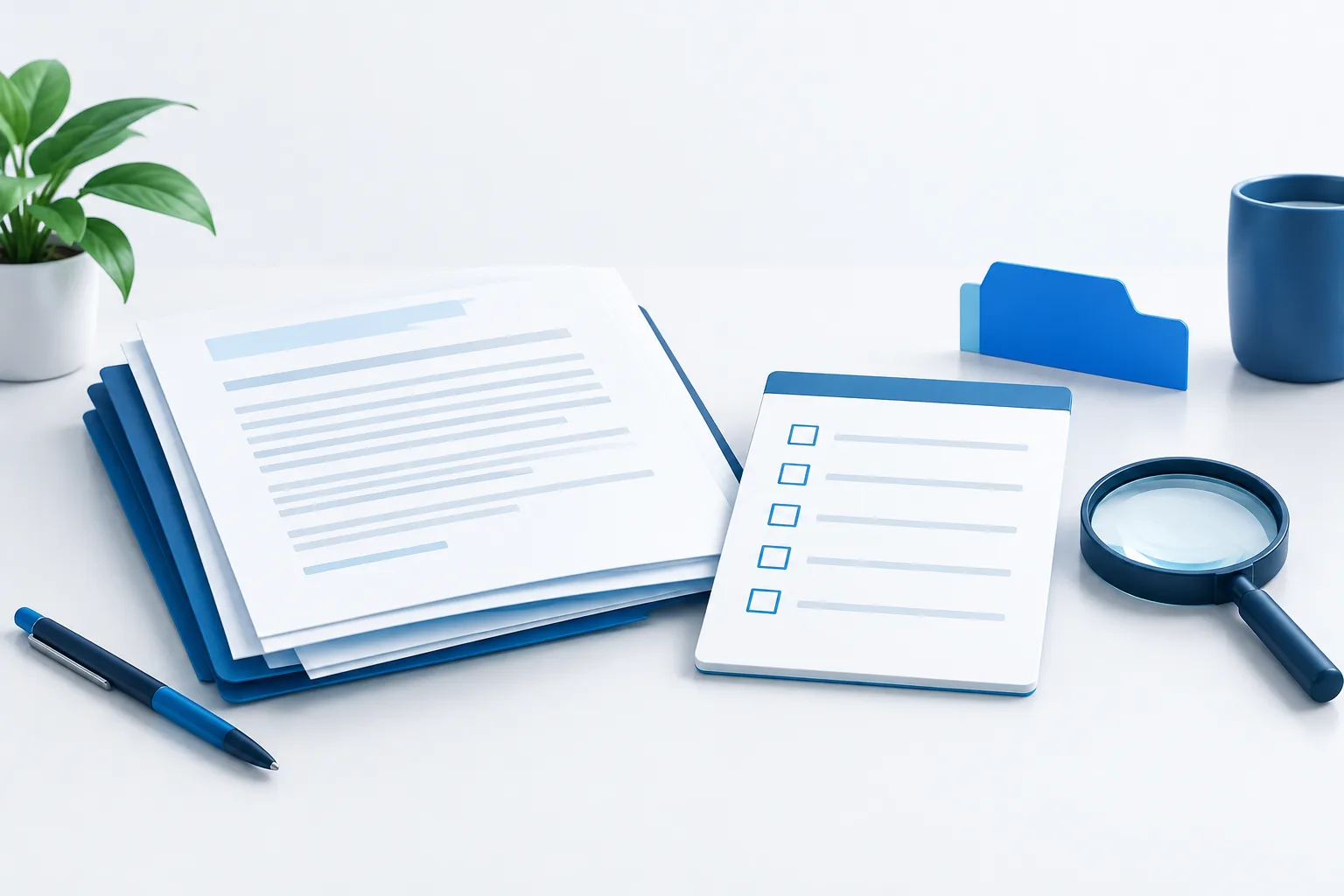
- Set the scope. Identify the agreement type, the fields to extract, and the purpose of the review. Use an established firm playbook where appropriate, and define what must be sent to an attorney for closer review.
- Prepare the source document. Confirm that the file is complete and readable, including exhibits, schedules, amendments, and any related documents needed for the task. Poorly scanned pages or missing attachments can affect what the tool is able to identify.
- Run the first-pass extraction. Have the tool return each requested field with its supporting language and source location. Keep the source document available alongside the results.
- Verify against the contract. The reviewer should open the cited location and compare the extracted value with the actual text. Check that the quotation is accurate, the location is right, and relevant qualifications or exceptions have not been left out.
- Resolve exceptions and record the result. Route ambiguous, missing, conflicting, or cross-referenced language for closer attorney review. Record whether the reviewer approved or corrected each item and note any unresolved issue.
This resembles a broader document workflow in which automated classification or extraction supports, rather than replaces, human review. See how a human-review checkpoint can fit into document processing for a related workflow example.
Give higher-risk terms closer attention
Not every field presents the same review challenge. A date stated plainly in one clause may be easier to check than a provision whose effect depends on definitions, exceptions, or language elsewhere in the agreement. The workflow should make those differences visible.
- Ambiguous language: Send clauses with unclear wording or multiple plausible readings for attorney interpretation.
- Missing or non-standard terms: Treat an absent result or an unusual formulation as a prompt to inspect the source, not as proof that the agreement has no relevant obligation.
- Conflicts: If the extracted result does not match another clause, an amendment, or a related document, flag the conflict rather than choosing one version automatically.
- Cross-references: Check provisions that incorporate definitions, schedules, exhibits, or other clauses. A quoted passage may not make sense when separated from the material it references.
- Amendments and versions: Confirm which document and version the extraction covers, and consider whether later changes alter the term being reviewed.
These checks are especially important when the output could influence a client communication, negotiation, or internal decision. AI can help locate and organize text; an attorney must assess its significance in context.
Protect confidentiality and control access
Before uploading client material, the firm should review the tool’s data-handling and contractual terms. Check how submitted documents and outputs are retained, whether they may be used to train or improve a service, who can access them, and what security and deletion controls are available. Confirm that the tool and its use fit the firm’s confidentiality requirements and the matter’s specific constraints.
Use approved accounts and access settings rather than informal workarounds. Limit document access to people who need it for the workflow, and make sure staff understand what information may be submitted and which tools are approved. The firm should determine its own requirements before using a service with client information.
For a general approach to organizing AI oversight, the NIST AI Risk Management Framework Playbook’s Govern guidance can help teams think through roles, policies, and ongoing oversight. It does not replace the firm’s own review of its obligations or a tool’s terms.
Test the workflow before using it on live matters
Evaluate the tool with representative agreements and fields before relying on it in everyday work. Include different document formats and examples with amendments, unusual wording, cross-references, and terms that are absent. Have attorneys compare the output with the source and track errors by field, such as omitted language, incorrect values, or inaccurate source references.
Use what the review reveals to refine the schema, instructions, escalation rules, and training. Retest changes that affect the workflow, and monitor performance as document types or tool settings change. A successful test on one kind of contract does not establish that every field will work equally well across other agreements.
Keep a review record that is practical to maintain. It can identify the document version, extraction task, reviewer, corrections or approvals, and any issue that needed escalation. The firm can set the level of detail based on its own process and matter needs.
For more on fitting automation into existing processes, see practical steps for integrating AI into existing workflows. A clearly defined handoff and training plan can help keep the review process understandable for the people using it.
Frequently asked questions
Which contract terms can AI extract reliably for a lawyer to review?
There is no field that should be treated as automatically reliable across all contract types. Test the fields your firm needs on representative agreements, and require source text and location so a reviewer can check each result.
What should an AI-generated contract extraction include besides the extracted value?
Include the exact supporting language, a source location, and a clear status such as found, not located, or needs review. That gives the attorney evidence to verify rather than a bare answer.
How should a firm handle uncertain, missing, or conflicting extractions?
Make each condition a visible exception and route it for source review or attorney interpretation. Do not let the tool silently fill in missing details or resolve a conflict without review.
Should AI-extracted terms be treated as legal advice?
No. Treat them as a first-pass aid for locating and organizing contract language. The attorney remains responsible for reviewing the source and applying legal judgment.
Keep extraction useful and reviewable
A sound AI contract review workflow makes evidence easy to check and exceptions hard to miss. Define the fields, require source-linked support, verify results against the agreement, and keep interpretation and approval with the attorney. If your firm is assessing how AI could fit into its existing processes, a practical AI strategy approach can help frame the planning. Zevonix helps businesses integrate AI into daily workflows and train teams; contact the team to discuss a workflow assessment.